


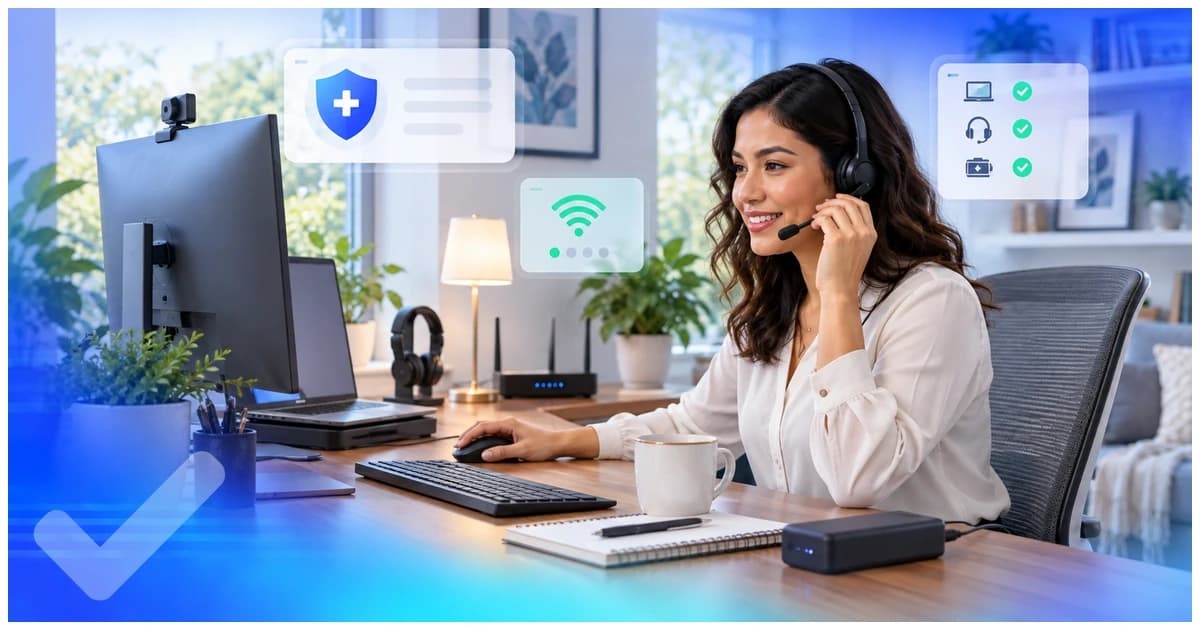
This guide covers what you need to set up a healthcare virtual assistant home office, the computer and internet setup required, why a private, quiet workspace matters, the equipment you need for patient calls, how to keep patient data safe on a home setup, and what the whole thing costs to set up.
The work isn't general admin. You're inside a US practice's systems, often near patient data, so the setup carries a few requirements a generic work-from-home guide skips. Here's the full list, built around healthcare work.
At a glance
- A dependable computer and a stable, ideally wired, internet connection come first.
- A private, quiet room matters because you'll be near patient information.
- A noise-canceling headset and a webcam handle patient calls and team meetings.
- Safe device habits protect patient data, locked screens, no shared computers, updated software.
- A backup for power and internet keeps your shift steady when the grid wobbles.
What Do You Need to Set Up a Healthcare Virtual Assistant Home Office?
You need five things to set up a healthcare VA home office, a dependable computer, stable internet, a private workspace, a headset and webcam, and a habit of keeping devices secure. Get those right and you can do the job well from anywhere.
You don't need the most expensive gear, but each item has a job, and patient-facing work raises the bar on a few of them.
| Item | Why a healthcare VA needs it |
|---|---|
| Computer | Runs the practice's EHR, scheduling, and billing software without lag |
| Internet | A stable, wired connection holds up on patient calls and live systems |
| Private workspace | Keeps patient information out of view and earshot of others |
| Headset and webcam | Clear audio for patient calls and video for team check-ins |
| Power and internet backup | Keeps your shift going through an outage |
| Secure device habits | Protects patient data from loss or unauthorized access |
Before you buy anything, it helps to know what the role asks of you. For more on this, our guide on the skills you need to work as a healthcare virtual assistant covers that side.
What Computer and Internet Setup Does a Healthcare VA Need?
A healthcare VA needs a computer fast enough to run a practice's EHR and a stable internet connection, ideally wired, that holds up on video calls. Speed matters less than steadiness, since a connection that drops mid-call is worse than a slower one that stays up.
A modern laptop or desktop with enough memory to keep several browser tabs and an EHR open at once does the job. A wired connection beats wifi for live patient work, because it holds steady when others in the house are streaming. A backup matters too. In many regions a mobile hotspot covers an internet outage, and a small power backup keeps the computer and router running through a short blackout. When you work from the Philippines or Latin America, that backup turns a frustrating shift into a smooth one.
The right internet speed and computer spec depend on the practice's systems, so ask before you buy. The safe rule is steady enough for video and the EHR without lag. How other assistants handle this is covered in our guide on what software virtual medical assistants use.
Why Does a Virtual Assistant Need a Private, Quiet Workspace?
A healthcare VA needs a private, quiet workspace because the work often sits near patient information, which has to stay out of others' view and earshot. A shared kitchen table doesn't meet that bar.
A separate room with a door you can close is the goal. It keeps screens private when you're in a chart and keeps phone calls confidential when you're talking to a patient. It also cuts background noise, so a call sounds professional rather than chaotic. When a full room isn't possible, a dedicated corner with a screen and a clear sightline away from foot traffic is a workable second best. The point is simple, no one walking by should be able to read a screen or overhear a patient's details.
This is the part general work-from-home guides skip. For healthcare work, the workspace is a privacy tool, not just a comfort choice.
What Equipment Does a Virtual Assistant Need for Patient Calls?
For patient calls you need a noise-canceling headset with a clear microphone and a webcam for video check-ins with the practice team. The headset is the single most-used piece of gear for a phone-heavy role.
A wired USB headset with a boom microphone gives the cleanest sound and frees your hands to type. Noise-canceling helps the patient hear you and keeps your end free of household sound. A webcam covers team meetings and training, and most laptops have one built in that works fine. A second monitor isn't required, but many assistants find that keeping the EHR on one screen and the phone or schedule on another makes a fast role easier. To see how this gear fits a typical role, our guide on how to become a virtual medical assistant walks through the path.
How Do You Keep Patient Data Safe on a Home Setup?
You keep patient data safe by locking your screen when you step away, working only on a secured personal or practice-provided device, keeping software updated, and following the practice's access rules. These habits protect information that doesn't belong to you.
The basics carry most of the weight. Use a strong password and turn on two-factor login where the practice offers it. Don't let family members use your work computer, and don't save patient files to a personal folder or a public cloud. Keep your operating system and antivirus current. When a practice signs an Honest Taskers VA on, that placement comes after documented HIPAA training and a signed confidentiality agreement, and the practice sets its own access controls. Your job is to follow them every shift. None of this guarantees compliance on its own, since that rests with the practice, but good habits keep you on the right side of the rules. For more on certification, our post on whether you need a certification to be a virtual medical assistant covers the training side.
How Much Does a Virtual Assistant Home Office Cost?
The cost to set up a healthcare VA home office varies by country and by how much gear you already own, so there's no single number. Many candidates already have most of the pieces.
When you own a working computer and have home internet, the gap is often just a headset and maybe a backup for power or connection. When you're starting from scratch, the computer is the biggest line, followed by a stable connection. A realistic starter budget isn't a single number, because prices for the same gear differ widely between regions. Buy what the role needs, not the fanciest version of each item. Once you're set up, the next step is finding the right placement, which our guide on where to find healthcare virtual assistant jobs covers.
For comparison, the U.S. Bureau of Labor Statistics put the median wage for medical secretaries and administrative assistants at $22.08 an hour, or $45,930 a year, in its "Occupational Employment and Wage Statistics" release for May 2025.
More on this sits in our guide on virtual assistant vs in-house employee cost comparison.
Apply to Honest Taskers once your workspace meets that standard.